Unicoin Hacked: Email Compromise Highlights Critical Cybersecurity Lessons for Businesses
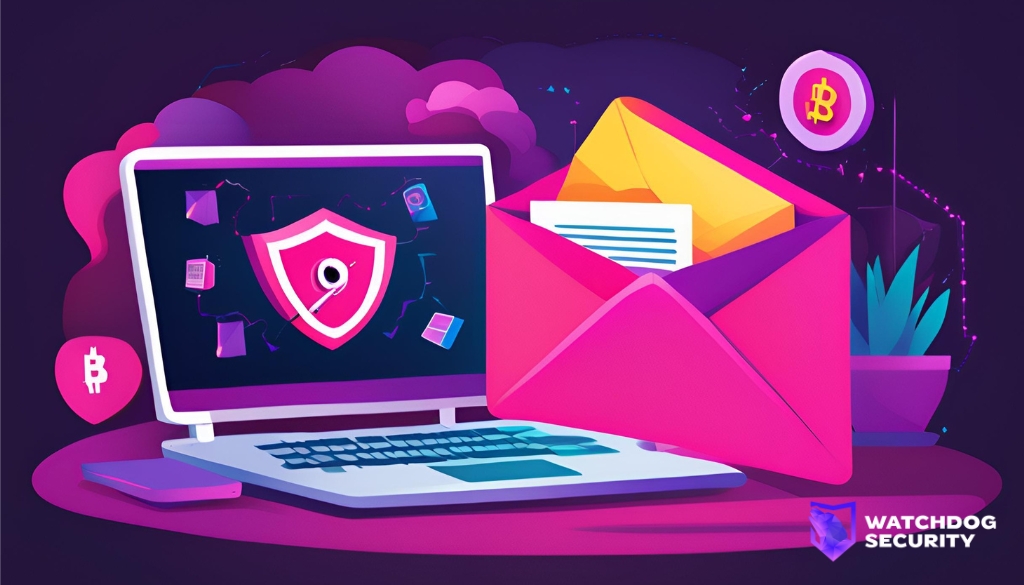
On August 9, 2024, Unicoin was hacked, and hackers accessed Unicoin‘s Google G-Suite account and stole company data. This blog post will explore the incident, its implications, and the lessons SMBs can learn to strengthen their cybersecurity defences.
Incident Breakdown
While the company does not disclose how access was gained initially, we can articulate it was either caused by social engineering (e.g. phishing) with a combination of lack of MFA or other techniques such as MFA exhaustion. Once they gained access to the account, it happened to have administrative permissions over the Google Suite tenant, which enabled the attacker to change the passwords of all personnel for over four days, preventing anyone from signing in. During this time, the hacker(s) also looted the company’s Google Drive and stole sensitive documents. The company is actively assessing the extent and impact of the incident and has already found evidence of data access, manipulation, and attempted fraud.
Why this matters to Small & Medium Businesses
- Most businesses use overly privileged accounts for day-to-day activities instead of opting for “break-glass” accounts with administrative permissions.
- Many businesses don’t have a solid data management strategy and do not lock down access to Confidential or Internal information using Role-Based Access Controls (RBAC).
- Many businesses do not account for email communications going down within their Business Continuity Plan (BCP)
1. Least Privilege
When storing sensitive files in the cloud, ensure that access is granted to files and folders strictly based on business needs. Limit permissions to the minimum necessary to reduce the risk of unauthorized access in the event of a Business Email Compromise (BEC).
- Roles and permissions (Google Drive)
- Understand groups and permissions on a SharePoint site (Microsoft Support)
Roles and permissions (Google Drive) Understand groups and permissions on a SharePoint site (Microsoft Support)
2. Multi-Factor Authentication (MFA)
MFA is a vital security measure that adds an additional layer of protection. Even if an attacker gains access to a password, MFA can prevent them from accessing the account without the secondary authentication factor during a Business Email Compromise (BEC) Attack.
- Deploy 2-step verification (Google Workspace Admin Help)
- Set up multifactor authentication for Microsoft 365 (Microsoft Learn)
Deploy 2-step verification (Google Workspace Admin Help) Set up multifactor authentication for Microsoft 365 (Microsoft Learn)
3. Breakglass Accounts
No user should have permanent administrative permissions to your email provider. Instead, create a separate account with a randomized name and unique password that can be used only in emergencies. This limits the impact of email compromise during a Business Email Compromise (BEC) Attack.
- Security best practices for administrator accounts (Google Workspace Admin help)
- Manage emergency access accounts in Microsoft Entra ID (Microsoft Learn)
Security best practices for administrator accounts (Google Workspace Admin help) Manage emergency access accounts in Microsoft Entra ID (Microsoft Learn)
Unify Cloud, SaaS, and Device Visibility in One Place
Total visibility. Zero blind spots. WatchDog helps you monitor every user, service account, and system across Cloud, SaaS, and devices -flagging misconfigurations and risks the moment they arise.
- ➕ Asset management – Add and track your own assets easily across Cloud, SaaS + On-Prem
- Identity monitoring – Limited to Google Workspace & M365 Non-Human Identities on free plan
- 🔧 SaaS + Cloud hardening checks – Spot misconfigurations before they become risks
Get started free today – no credit card required.
Additional Resources
Business Email Compromise (FBI.gov) What is business email compromise (BEC)? (Microsoft.com)